Hold the phone straight
Hold the phone upright in front of you, not tilted down or up.
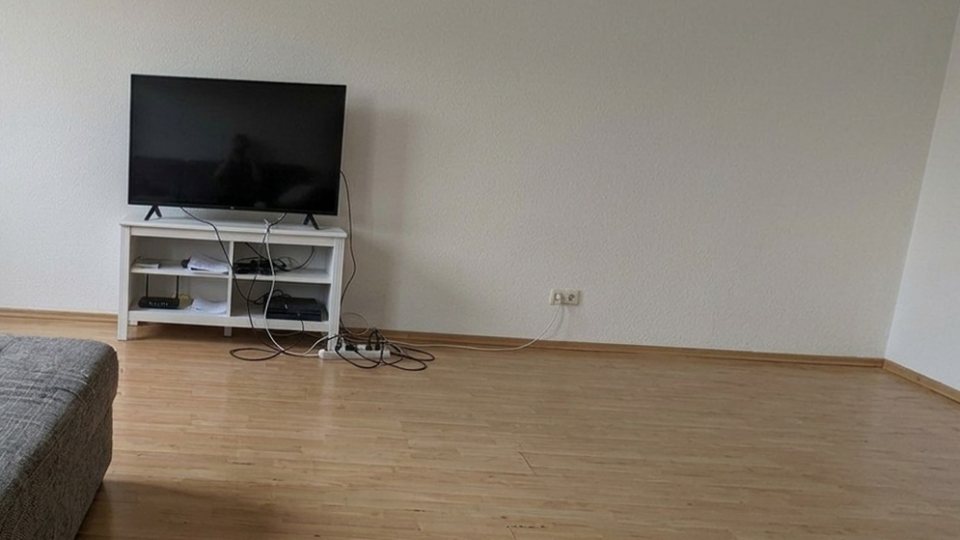
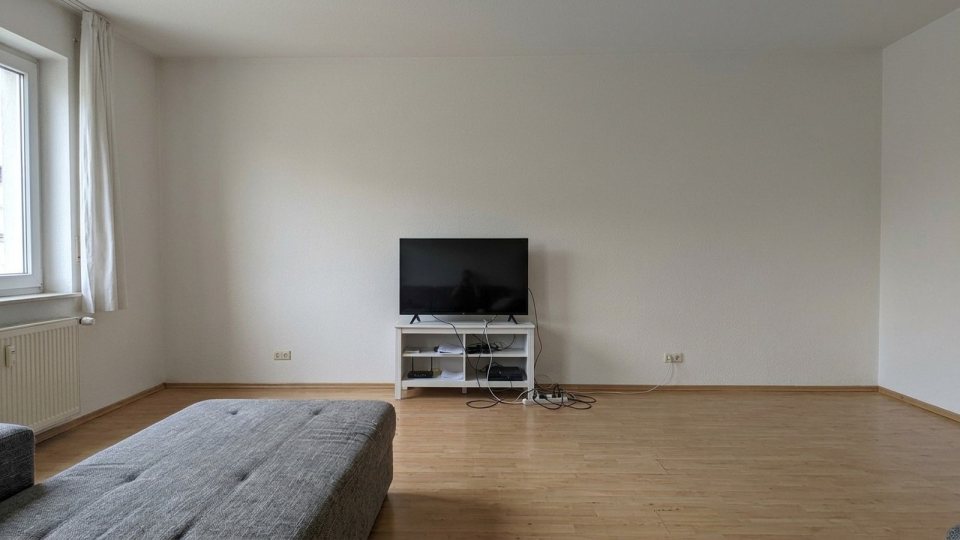

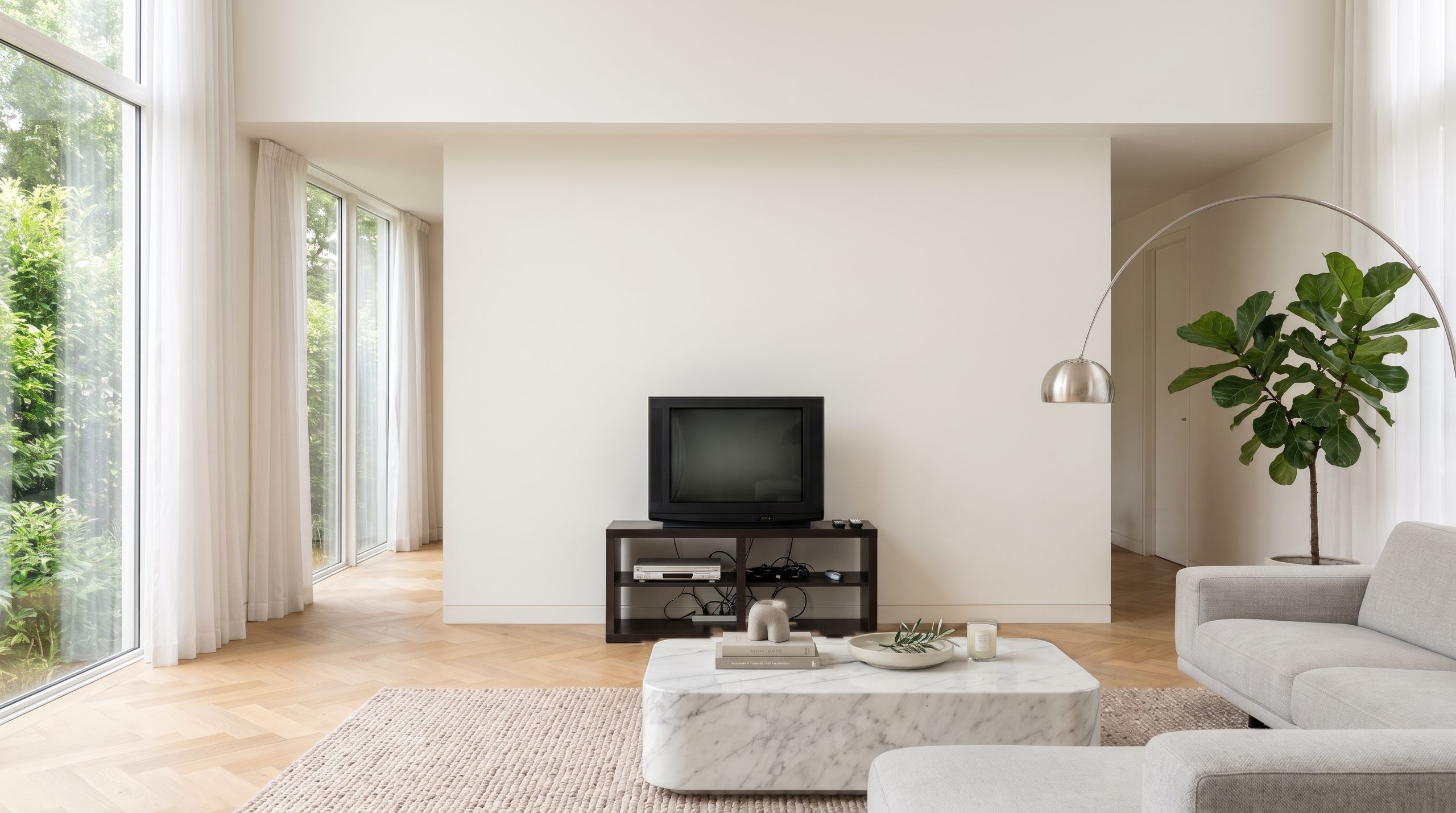
Wall Unit Planner
Take a photo of your wall and try our wall units and TV furniture in your own living room. You will quickly see which size, shape and combination looks best in your home. Free of charge.
Already planned a wall unit?
Wall Unit Planner See your new wall unit before you buy it.
You have already planned these rooms. Would you like to continue with them?
Tip 1 of 4
Four short points before you take your photo. They decide how real your picture will look in the end.
Hold the phone upright in front of you, not tilted down or up.
The whole wall must be in the picture, with the floor in front and a little of the room on the left and right: corners, windows, neighbouring walls.
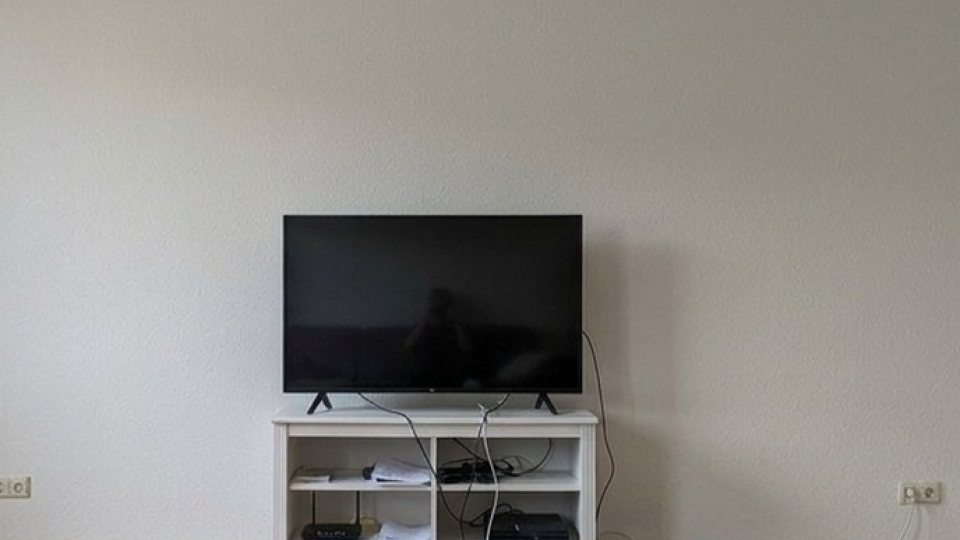
Stand in the middle in front of the wall, not off to the side.
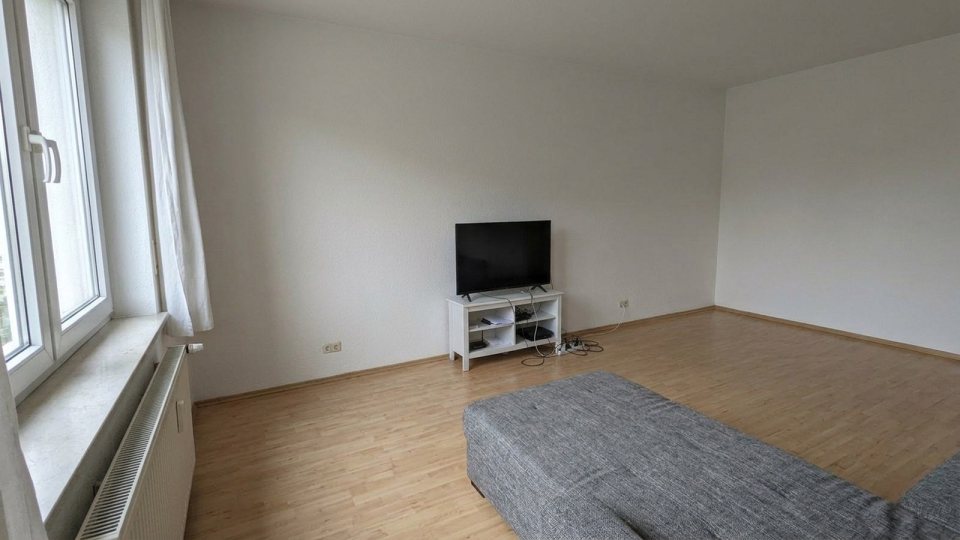
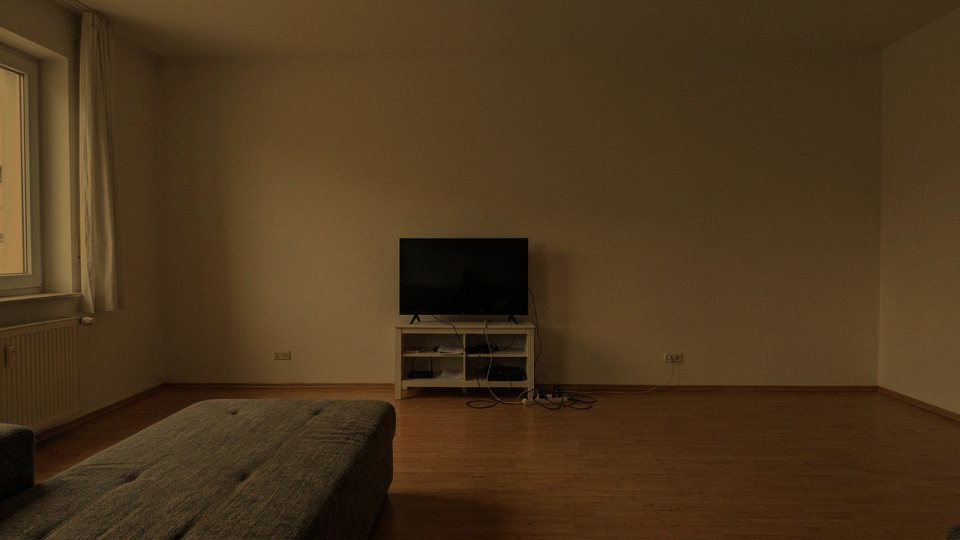
In the evening with lamp light, please switch on the flash. Otherwise the photo turns dark and yellow and the furniture looks pasted in.
Your old furniture can stay where it is, we replace it in the picture.
We are checking your photo, one moment …
With a new photo your picture will look much more real in the end.
✓ Thank you. Your photo has been checked and can be used.
Part 1 of 4
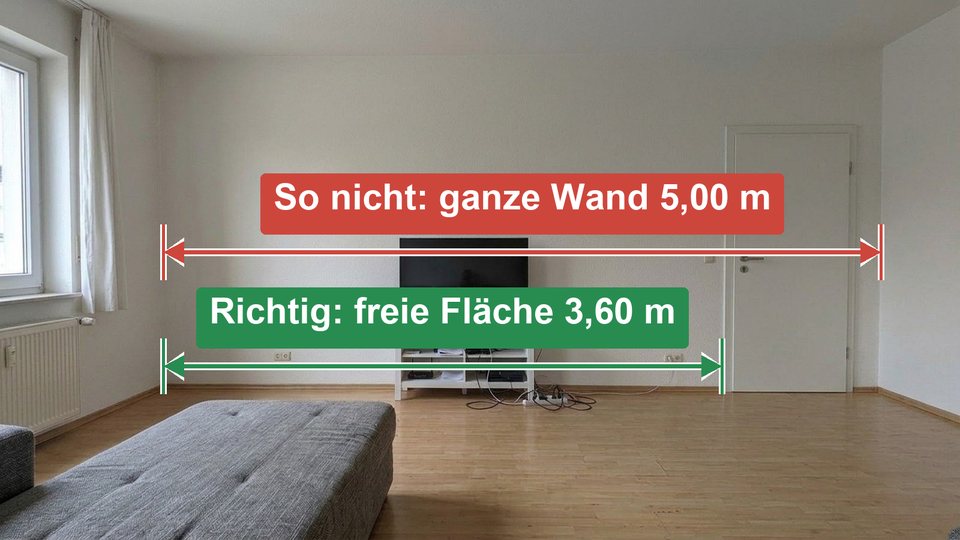
Only measure the part of the wall where the furniture may stand or hang. If the wall is 5 m wide but there is a door or a cupboard on the right, only the free space up to it counts.
Only the space where the furniture may stand or hang. A door or cupboard does not count.
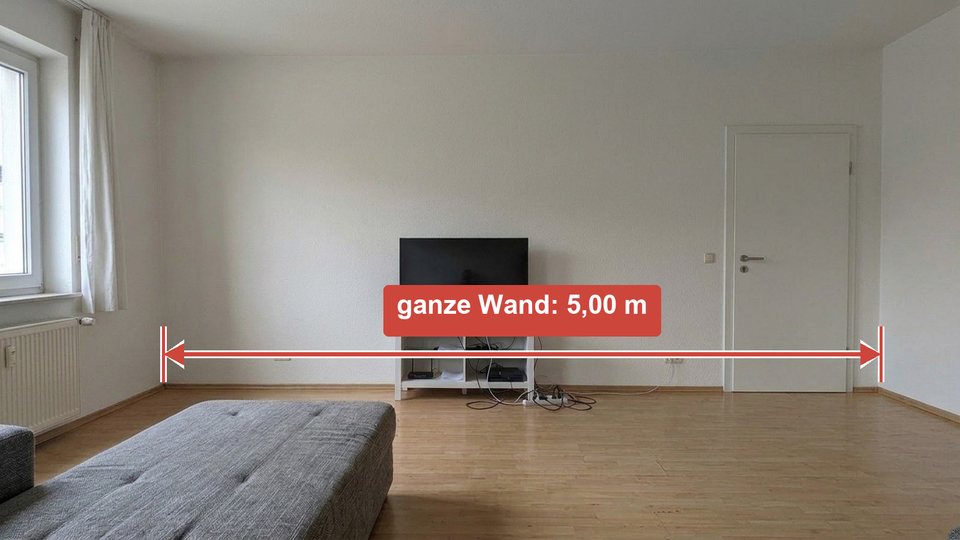
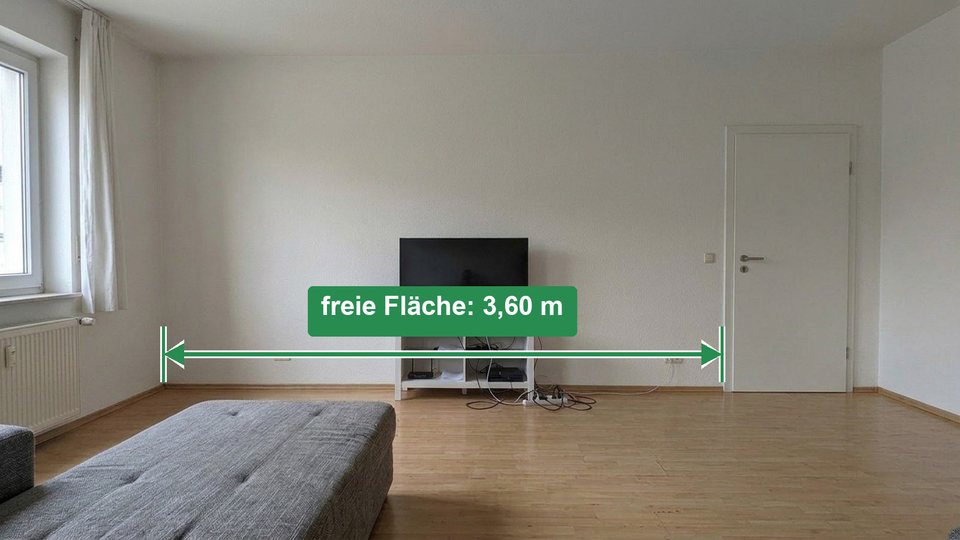
Drag the two blue lines to the start and the end of the space you measured ( cm).
Drag the green line “Floor” exactly to where the wall meets the floor, i.e. to the bottom edge of the skirting board.
Both are optional. With the room height the size will be even more accurate, and with a name you will find the room again faster.
Tested enough? Now upload a photo of your own room.
Now choose the furniture you like. Tap a piece below, then “Visualise”.
Your wall is being designed
Choose a piece from the list. One click selects it, with “Visualise” we place it in your room.
Your selection
AI visualisation: furniture from our range, room from your photo. Slight deviations in colour and size are possible.
Your plan
Configure and order nowOn the product page you choose colour and finish and order directly.
Your favourite from the style duel
We calculate the real dimensions of the furniture from your wall width into the photo and give the AI the exact area. It inserts the furniture with light and shadow. Small deviations are possible, the exact dimensions are on the product page.
Your photo stays on your device, in your browser’s storage. For the calculation it is sent encrypted to our server and to our AI service provider Google (Gemini, processing also in the USA) and processed there. Our server does not store it, Google does not use it to train its AI. Beyond that we do not pass it on, and we cannot see it. Only if you sign in with Google or Apple do we store your rooms, photos and pictures in your account on our server in Germany until you delete them, but for no longer than 12 months. After that we delete them automatically. If you want to keep a picture permanently, download it.
Only if you send us an enquiry via “Request a quote” or send feedback with a picture. You then expressly agree that we look at exactly this picture for your enquiry.
Many TV furniture pieces come in several widths, which you choose directly in the planner. We adapt wall units to your wall on request.
Nothing. You do not need an account and you make no commitment.